Please follow the steps as shown below.
- Step 1: Access the Create Account page
Visit http://www.virtualdj.com/users/create.html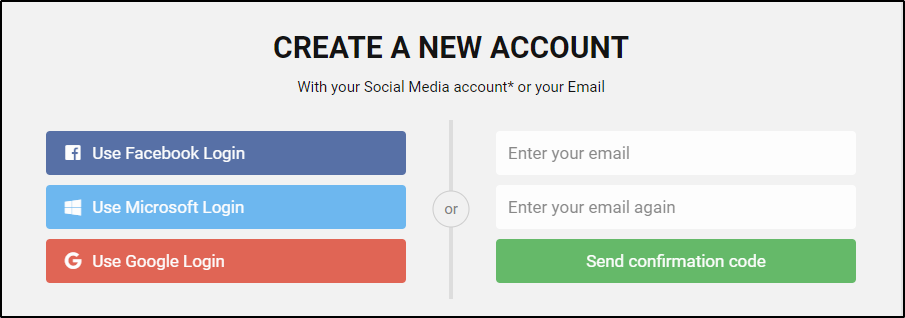
View of the Create Account page
Alternatively you may select the "Create an Account" option/link you will find in the Connect section of the main VirtualDJ page http://www.virtualdj.com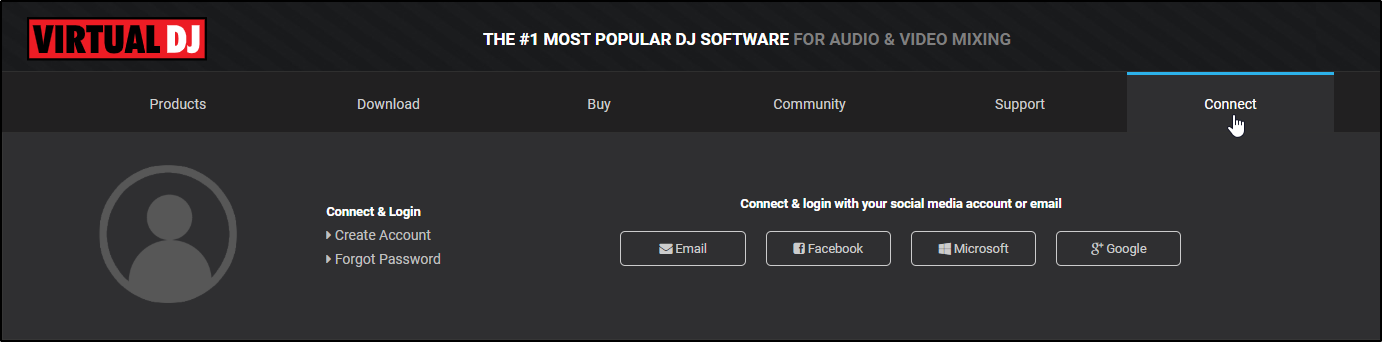
or at the top of all other other sub-pages
- Step 2 : Email verification
Enter your email twice to verify to confirm your email address and then click on the Send Confirmation Code button in order for your email to be verified (an automated email will be sent with a verification code)
Check your email (Spam/Trash Folders too) to receive your verification code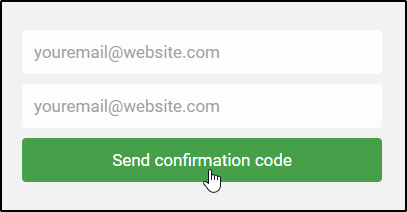
- Step 3 : Fill the rest of the Form
Enter the verification code and choose an available (field will be colored green if available) Forum Nickname (Login) and a strong password (entered twice).
Provide your First and Last name and select your country.
Click on the Create Account button.
Your account should be created successfully and you should see Hello [Your First Name] at the top left of each virtualdj.com page.